
AB Download Manager
AB Download Manager is a free, open-source download manager for Windows that speeds up downloads, queues them and integrates with web browsers.
Windows
Open source

Internet Download Accelerator is a download manager for Windows from WestByte Software that speeds up and resumes file downloads.
Average 0.0 · ratings: 0
Thank you! Your rating is saved; you can change it. Could not save the rating. Please try again later. Too many ratings from your network today. Please try again tomorrow. The average appears after 5 ratings.
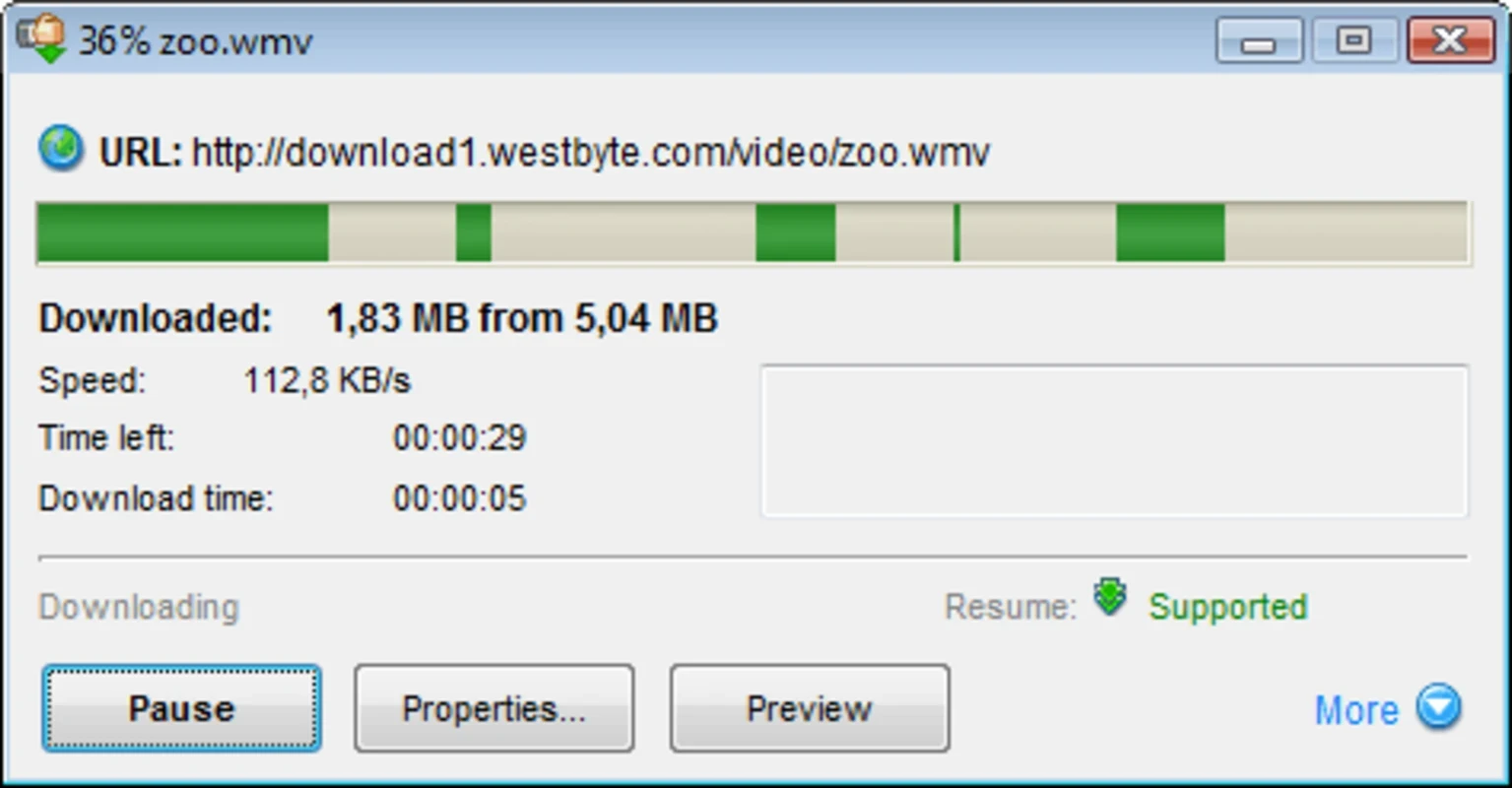
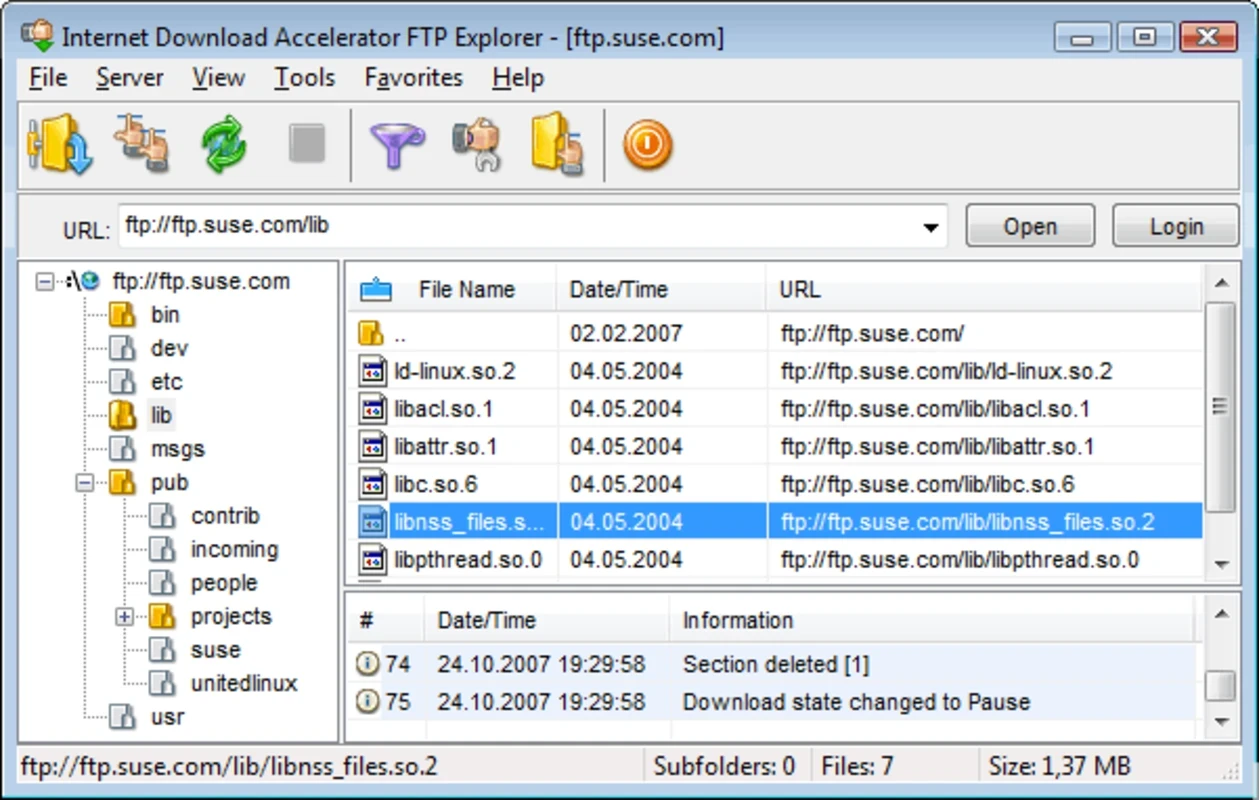
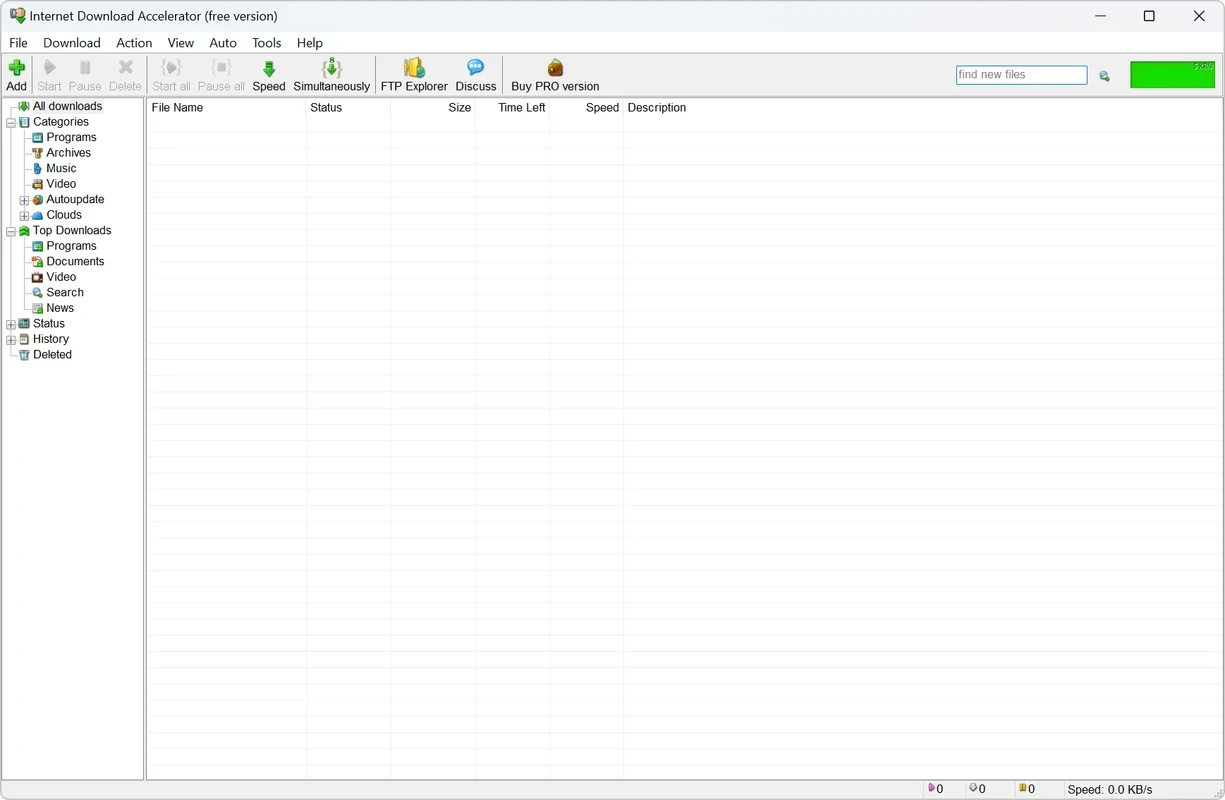
Internet Download Accelerator 7.3 is a download manager for Windows from WestByte Software. You can download Internet Download Accelerator from the developer's site to speed up large downloads, resume interrupted ones and keep all your files in one organised list.
| Item | Details |
|---|---|
| Version | 7.3 |
| Developer | WestByte Software |
| First release | 25 September 2002 |
| Type | Download manager |
| Written in | Delphi |
| Platform | Windows |
| Licence | Free, ad-supported; Wikidata describes it as shareware |
| Size | about 8.5 MB (official download page) |
Internet Download Accelerator, often shortened to IDA, has been on Windows PCs since 2002. Its main job is to take downloads away from the browser and handle them better. A file is split into several parts that download at the same time, which can make better use of your connection, and if the connection drops, the download continues from where it stopped instead of starting again. The program hooks into browsers, so clicking a download link hands it over automatically, and it sorts files into categories such as programs, music and video. A scheduler lets you queue big files for the night, and speed limits keep downloads from choking the connection while others at home are online. Downloads from FTP servers are supported too. Wikidata lists its licence as adware, which matches the free edition: it shows advertising, and the developer sells versions without it.
The program runs on Windows and is light on resources. Browser integration depends on the browser version, so update IDA when you update your browser.
Take IDA only from westbyte.com. A download manager does not make files safer, so scan what you download. Avoid cracked "pro" versions from other sites; they are a frequent source of malware.
The basic edition is free with ads; paid editions remove advertising.
Set a separate folder for each category so finished files do not pile up in one place. If a site offers a direct link and a mirror list, add both; IDA can switch to another source when one is slow. For very large files, schedule the download for a time when nobody else needs the connection, and let the program shut down the PC afterwards if you leave it overnight.
The version history lists every change; check it for newer builds before installing.
Other download managers on our site include Free Download Manager, JDownloader, Xtreme Download Manager (XDM) and Internet Download Manager.
AB Download Manager is a free, open-source download manager for Windows that speeds up downloads, queues them and integrates with web browsers.

SHAREit is a free Windows app from the SHAREit Team for moving photos, videos and documents between a PC and a phone. The current version is 5.1.0.7.

Zapya for Windows is a free file transfer app from DewMobile for moving files between a PC and phones over a local wireless connection.

Easy Connection to Screen is Samsung's Windows app for showing a PC's screen on a compatible Samsung TV over a wireless connection.

Internet Download Manager (IDM) is a shareware download manager for Windows from Tonec that accelerates, resumes and schedules downloads.

uTorrent (μTorrent) is a small BitTorrent client for Windows from Rainberry (BitTorrent Inc) for downloading and sharing files over torrents.

AnyDesk is a remote desktop application for connecting to and controlling another computer over the internet, from a small Windows program.

ShareMe is Xiaomi's free app for sending files between devices without a cable; on Windows the Android app runs only inside an emulator.

Xender is a free file sharing app from the Xender File Sharing Team for sending files between phones and computers over a local connection.